
The noise shows the loudness
A bouncy-ball display makes noise visible: the louder the room, the more the balls bounce. It's a quick, fun picture of the volume.
Many teachers know bouncy-ball noise meters: the balls jump higher as the class gets louder. ShhClass uses the same simple idea, the computer's microphone measuring the volume, but turns it around. Here, quiet is what makes things happen: shy animals come out, explore and play together when the room is calm.
Free, no sign-up, nothing to install. The microphone only measures volume; nothing is recorded.


Both kinds of noise meter listen to the room through the microphone and show the result on the board. The difference is what children are aiming for.
A bouncy-ball display makes noise visible: the louder the room, the more the balls bounce. It's a quick, fun picture of the volume.
Below the limit you choose, animals peek out, come out and play. Too much noise and they run to hide, then come back when it's quiet again.
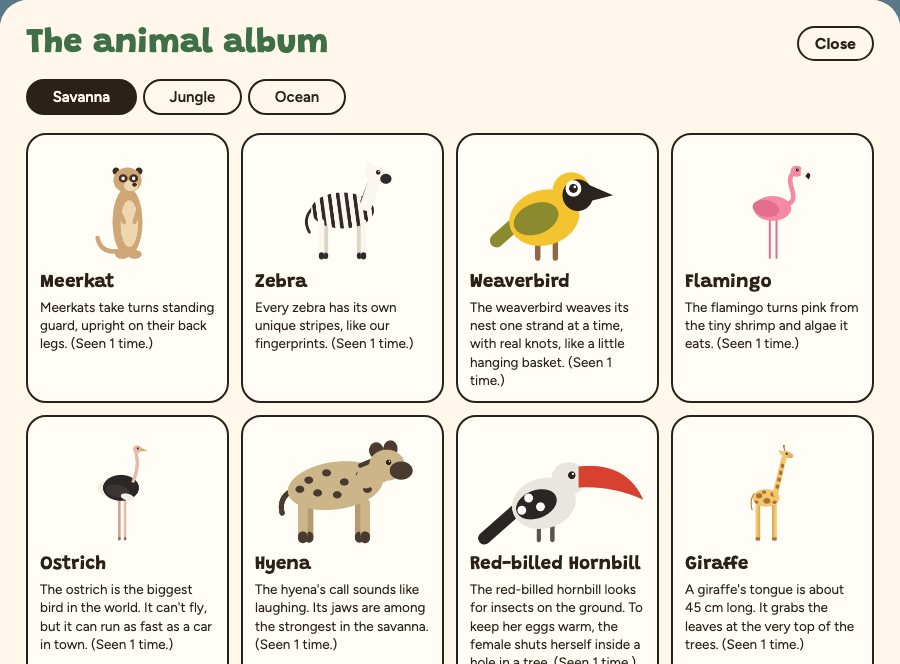
Rare visitors like the lion, the jaguar or the dolphin only appear when the calm lasts, and every animal met goes into an album with a fact card.
If you want a quick, playful picture of how loud the room is, a bouncy-ball display does that well. If you want a reason for the whole class to stay calm together, during silent reading, independent work or after recess, ShhClass gives them one: the animals only come out when it's quiet.
Yes. ShhClass is free, with no account and no ads. Open it in the browser and allow the microphone.
Yes. It runs in a recent browser (Chrome, Edge, Firefox, Safari) on a computer with a microphone, and the Full screen button fills the board.
No. It only reads a sound level, on your device. No sound is recorded, stored or sent.
It's designed for children aged 2 to 10. With the youngest, start with a short session and a tolerant noise level; older kids enjoy completing the album and spotting the rare visitors.
Open ShhClass, pick a scene, allow the microphone. The animals are waiting.